
The rota, matched and assigned — not manually juggled.
Coverage across day, week and month at a glance. Nanum assigns the visits it is sure about, with a reason and a score, and brings the ones it is unsure about to you. You can change any assignment.
- Day, week & month coverage
- Nanum matches carers with a confidence score
- Nanum assigns what it is sure of — you decide the rest
- Decisions surfaced, most urgent first
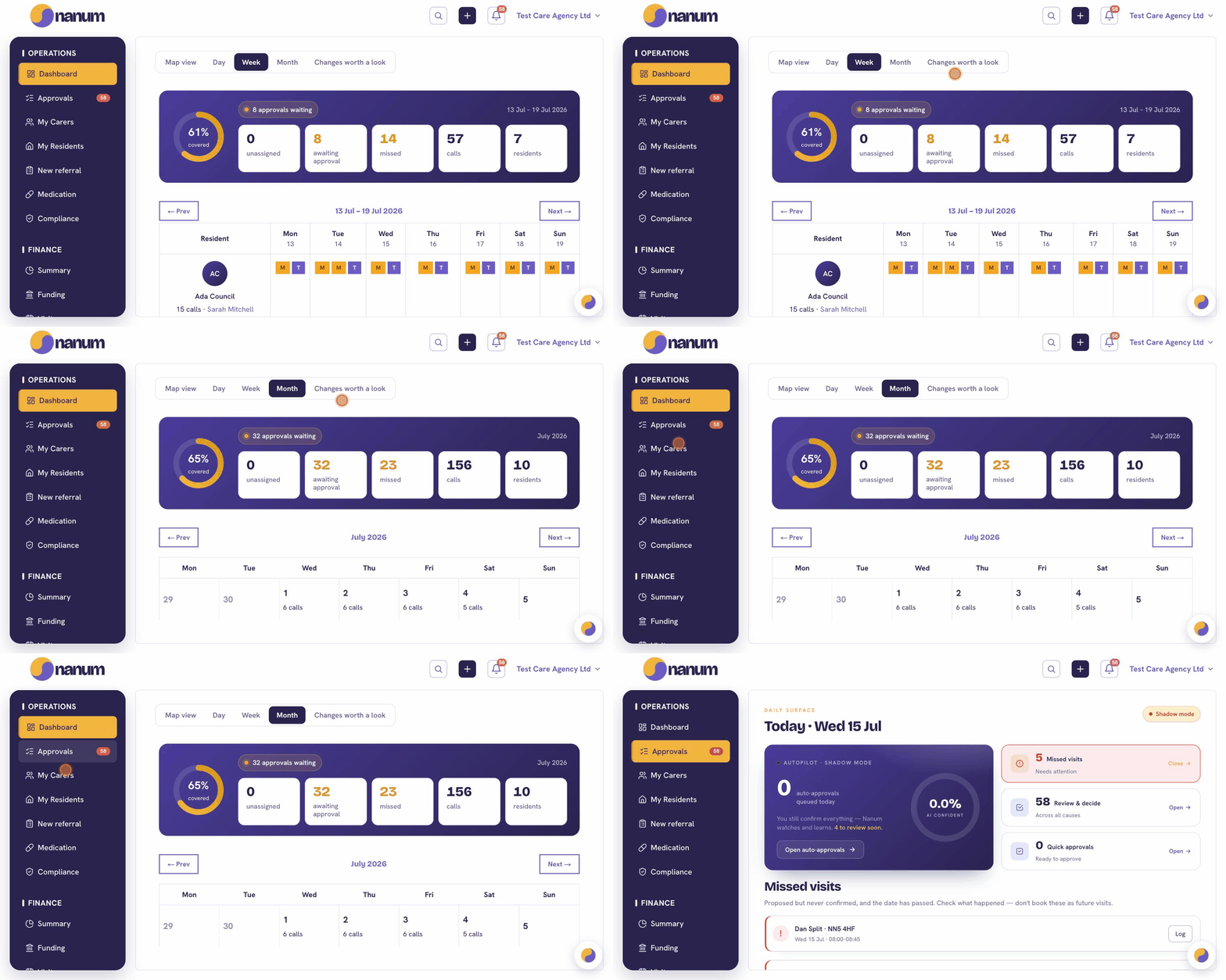
How the matching works
Generated, then adjusted
Shifts come out of each client's recurring care package. You spend the morning on the exceptions, not the grid.
A score, and a reason
For each visit, Nanum scores continuity, distance, relevant skills, current training and recorded client preferences. Availability and leave are eligibility checks—not points to trade off.
You decide what it's unsure of
Nanum assigns the visits it is sure about. Gaps, cover and new clients come to a manager, most urgent first, and any assignment can be changed.
Automatic where it is clear. Your judgement where it matters.
See how eligibility, visit-specific matching and care continuity work together—not just a percentage threshold.
Domiciliary-care workflow examples · availability varies by product and accountDaily rota · matched to each visit
Fictional exampleInteractive preview
What makes a good fit?
Availability, leave and other eligibility checks come before a score. Familiar carers and continuity of the care pattern also shape the ranking.
The client has no delivered visit history yet. The first pairing needs your judgement.
Routine visits do not wait for approval. This exception does.
Fictional figures illustrate the workflow, not an automation rate. This demonstration does not calculate confidence scores.

Matching ranks the people who have been before ahead of the people who haven't — better for the client, steadier for the carer.
See it on your own roster.
A 20-minute demo, with a live match on your real data.